AI shopping assistant for Shopify: what it does and how to pick one
An AI shopping assistant for Shopify is a chat on your storefront that takes what a shopper needs, in their own words, and answers with products from your catalog. Chat Squeeze is one: an AI sales agent for Shopify that chats with shoppers, shows products as cards and adds them to the cart. This guide follows one conversation on a demo skincare store, then gives you the checks to run on your own store before you pay for any app.
Strategy8 min read
What does an AI shopping assistant for Shopify do?
It reads a request with several conditions, picks the products in your catalog that meet all of them, and lets the shopper act on the answer inside the chat. The answer arrives as product cards. Each card has the photo, the name, the price, the variant, a Details button and an Add to Cart button.
A support chat is built for the questions that come after the order. A shopping assistant is built for the one that comes before it: which one should I buy. Most stores get both kinds, so it helps to know which job an app was made for. The page on AI chat for sales vs support on Shopify covers that split. Here are three kinds of question and what a good answer to each looks like.
| The shopper asks | A good answer |
|---|---|
| Where is my order? | The order's status. Chat Squeeze does this with Order tracking in chat, or sends the shopper to your own tracking page. |
| Do you ship to Canada? | A plain-text answer taken from your shipping page. |
| Vitamin C serum for sensitive skin, under $40 | Product cards that meet all three conditions, each with Add to Cart. |
When you compare apps, ask each one the third kind of question. You will see quickly whether you get products you can buy or a link to a page.
How does it answer a message with three conditions?
It checks each condition against the products in your catalog, including their descriptions, and shows only the products that meet every one. Dew & Co., our skincare demo store, sells seven products. A shopper opens the chat and types "Vitamin C serum for sensitive skin, under $40".
"Vitamin C serum" leaves the three serums and drops the moisturizer, cleanser, sunscreen and mask. "Under $40" would have dropped the $42 moisturizer as well. "For sensitive skin" is the condition a filter menu rarely has, because it lives in the product description, not in a product option. That is the part a shopper would otherwise check by opening every product page.
The shopper's message
"Vitamin C serum for sensitive skin, under $40"
The store's 7 products, 3 in the answer
 Glow Vitamin C SerumIn the answer$34
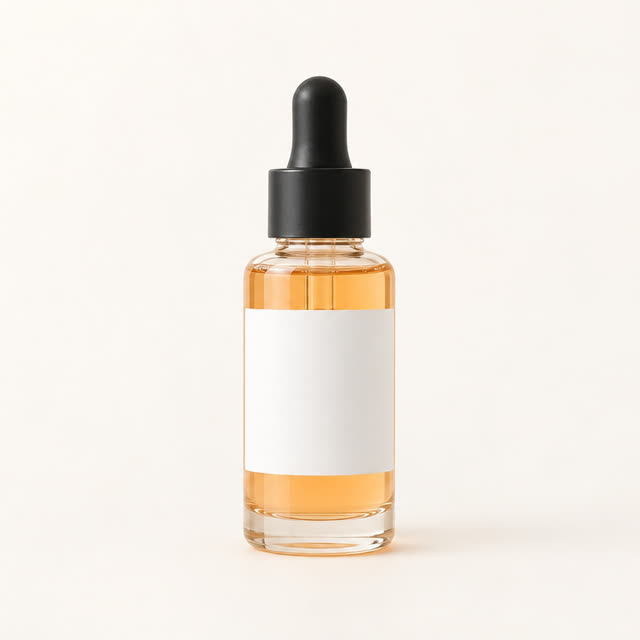 Bright C Daily SerumIn the answer$38
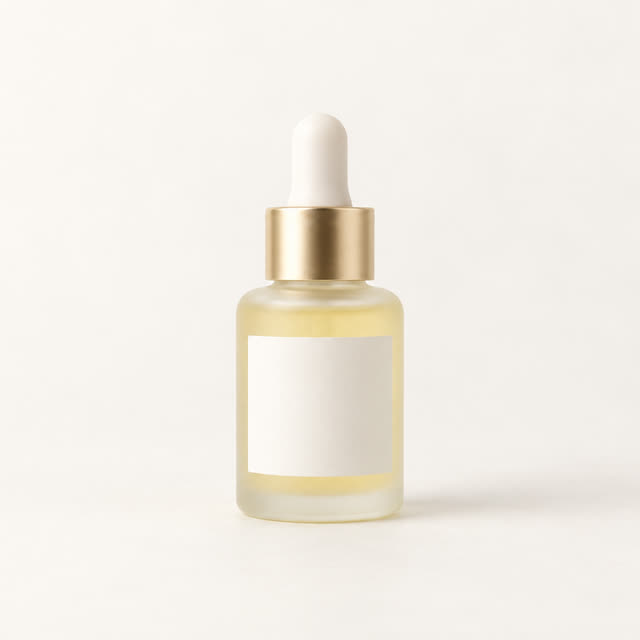 Gentle C SerumIn the answer$29
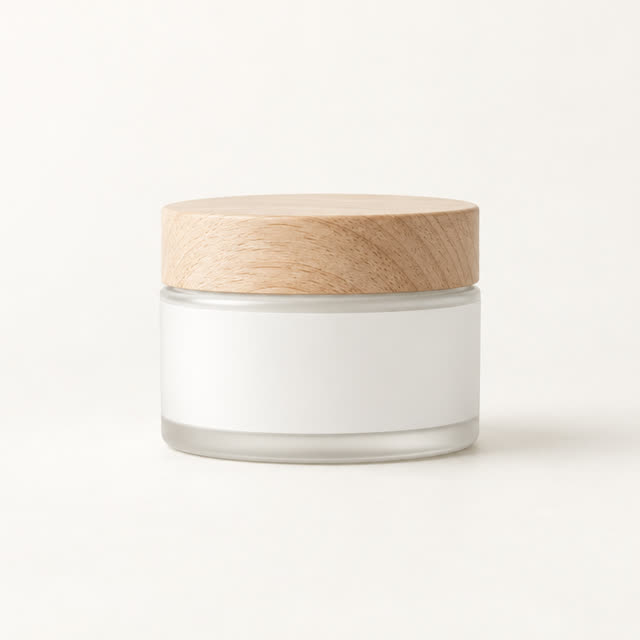 Cloud Cream MoisturizerNot a serum, and over $40$42
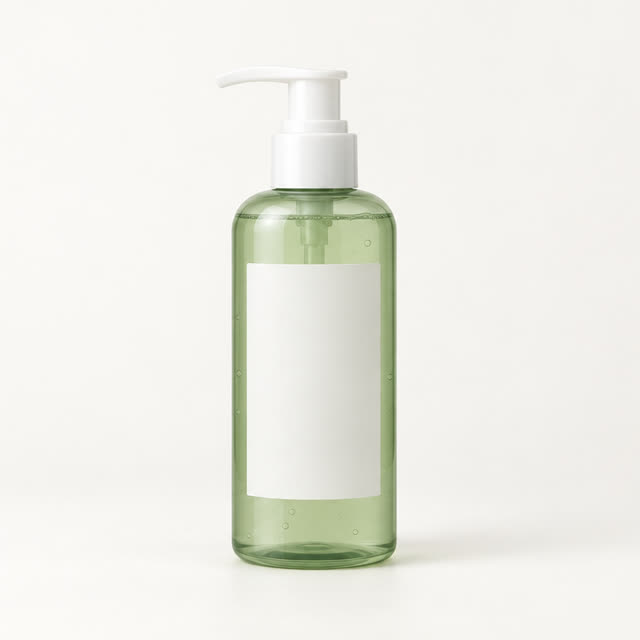 Soft Gel CleanserNot a serum$24
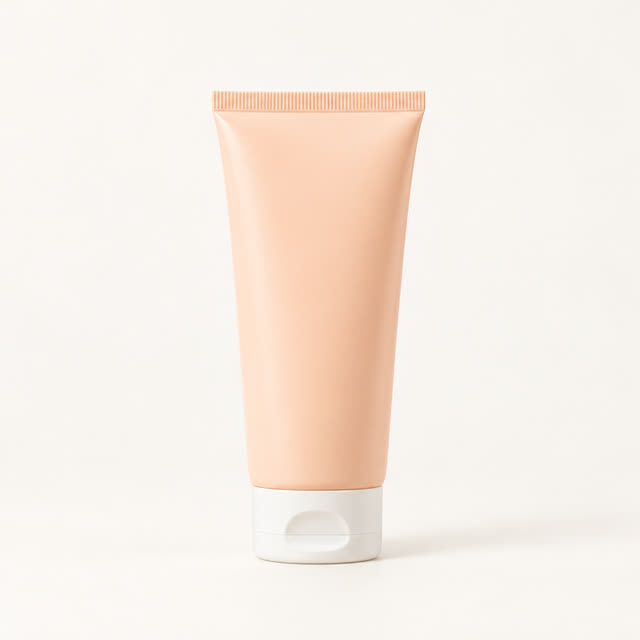 Daily Shield SPF 50Not a serum$26
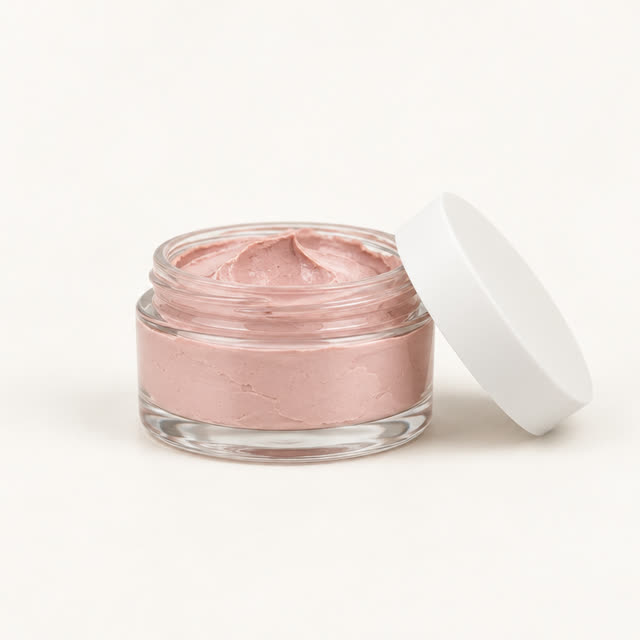 Pink Clay MaskNot a serum$28
The store owner set nothing up for this question. The products came over from Shopify on their own when Chat Squeeze was installed, and nobody uploads a product file. The sensitive-skin part of the answer comes from the serums' own product descriptions, which already say they suit sensitive skin. A detail that is missing from a description can be added in the Knowledge base, as text, a store page or a file. The one step the owner did take was to switch the chat on in Shopify's theme editor, because setup after install leaves the chat off until the app embed is on.
So the answer is only as good as what your store says. The agent can match a condition when it is in a product description or in your Knowledge base. If neither says anything about skin type, fit or material, shoppers asking about it get a weaker answer. Plain words match best: "suitable for sensitive skin" matches a sensitive-skin question, a vague "gentle formula" may not. Sold-out products stay out of the cards, and the agent does not make up a product to fill a gap, which is the subject of an AI agent that only shows products you sell.
What happens after the shopper sees the cards?
The shopper either opens Details to look closer or taps Add to Cart, and neither one leaves the page. Details opens the product details panel inside the chat. It has a photo gallery, the options as buttons, a quantity picker, the specs and an Ask about this product box that sends a question back to the chat.
Add to Cart puts the product in the shopper's Shopify cart. The button reads Adding..., then Added! in green, as on the first card above. The add goes through your store's own cart, so the cart count on your theme updates and the item is waiting at checkout. The shopper never opens a product page, which is the point of adding to cart from the chat on a phone. If the shopper asked for a size or a shade, the card opens on the variant they asked for, with that variant's price.
What should you test in the first ten minutes of a trial?
Copy three questions from your own inbox and use them word for word. In Chat Squeeze, the chat preview sits beside General settings, so you can try it before the chat is live on your store. Answers in the preview count as messages on your plan, the same as shopper chats. Run these seven checks.
- Write one message with three conditions from your catalog, such as "linen shirt, white, under $60". Every card should meet all three. One card that misses tells you more than three that hit.
- Ask for something you do not sell. The answer should say you do not carry it, with no made-up card.
- Ask for a size or color by name. The card should open on that variant, with its price.
- Tap Add to Cart, then open your cart. The product and the variant should be there.
- Ask for a product you have marked sold out. It should not come back as a card.
- Ask a shipping or returns question. Days, costs and conditions should match your policy page. Your store pages show up in the Knowledge base, and Add knowledge fills any gap.
- Compare your product count with the plan's product limit. Products past the limit are not in the chat, so they can never be recommended.
What does an AI shopping assistant for Shopify cost with Chat Squeeze?
The price depends on two numbers: how many products you sell and how many messages shoppers send. Chat Squeeze counts messages, not conversations. Shopify bills it in USD every 30 days, and every paid plan starts with a 14-day free trial.
| Plan | Price a month | Products in the chat | Messages |
|---|---|---|---|
| Playground | $0 | 2,000 | 50 in total |
| Starter | $22.99 | 500 | 300 a month |
| Growth | $45.99 | 500 | 750 a month |
| Pro | $89.99 | 1,000 | 1,500 a month |
| Premium | $169.99 | 2,000 | 3,000 a month |
| Ultra | $299.99 | 3,000 | 8,000 a month |
Playground is for trying the agent: it holds up to 2,000 products, but it has 50 messages in total and you sync products by hand, so on a live store it runs out fast. On paid plans the sync is live. Pro, Premium and Ultra add Lead capture, a form in the chat for shoppers who want to leave their details, and Smart timing, a popup that opens when the way a shopper browses suggests they need help. The Chat Squeeze pricing page has the full list.
Pick the plan by product count first, because a product past the limit is invisible to the agent. For messages, use the trial: the dashboard's usage meter shows Messages this month, so two weeks of real traffic tells you which allowance you need.
If you are still deciding whether a store your size needs an agent at all, the benefits of Shopify AI agents lists what changes and what each change depends on. You can install Chat Squeeze from the Shopify App Store and run the seven checks on your own catalog.
AI shopping assistant FAQ
- What is an AI shopping assistant for Shopify?
- An AI shopping assistant for Shopify is a chat on your storefront that reads what a shopper needs in their own words and answers with matching products from your catalog, shown as cards the shopper can add to the cart without leaving the page.
- Do I need to write anything for the assistant to work?
- Products come over from Shopify on their own, and the agent answers from their descriptions and from anything you add in the Knowledge base. If shoppers ask about a detail neither mentions, such as skin type, fit or material, add it to one of them. Then switch the chat on in Shopify's theme editor.
- Do messages in the dashboard preview count?
- Yes. In Chat Squeeze, answers in the chat preview beside General settings count as messages on your plan, the same as shopper chats. Seven test questions use seven messages.
- Why is Playground's product limit higher than Starter's?
- Playground lets you try the agent on a full catalog of up to 2,000 products. It has 50 messages in total and manual product sync, so on a live store it runs out fast.